 Kladd
KladdDiagrams that look like you drew them.
Kladd is a Mac app for boxes-and-arrows thinking. Sketch it yourself, or ask Claude Code or ChatGPT to draw with you — right on the canvas, while you watch.
Download for MacVersion 1.0 for macOS 12 or later, on Apple silicon. Signed and notarized by Apple.
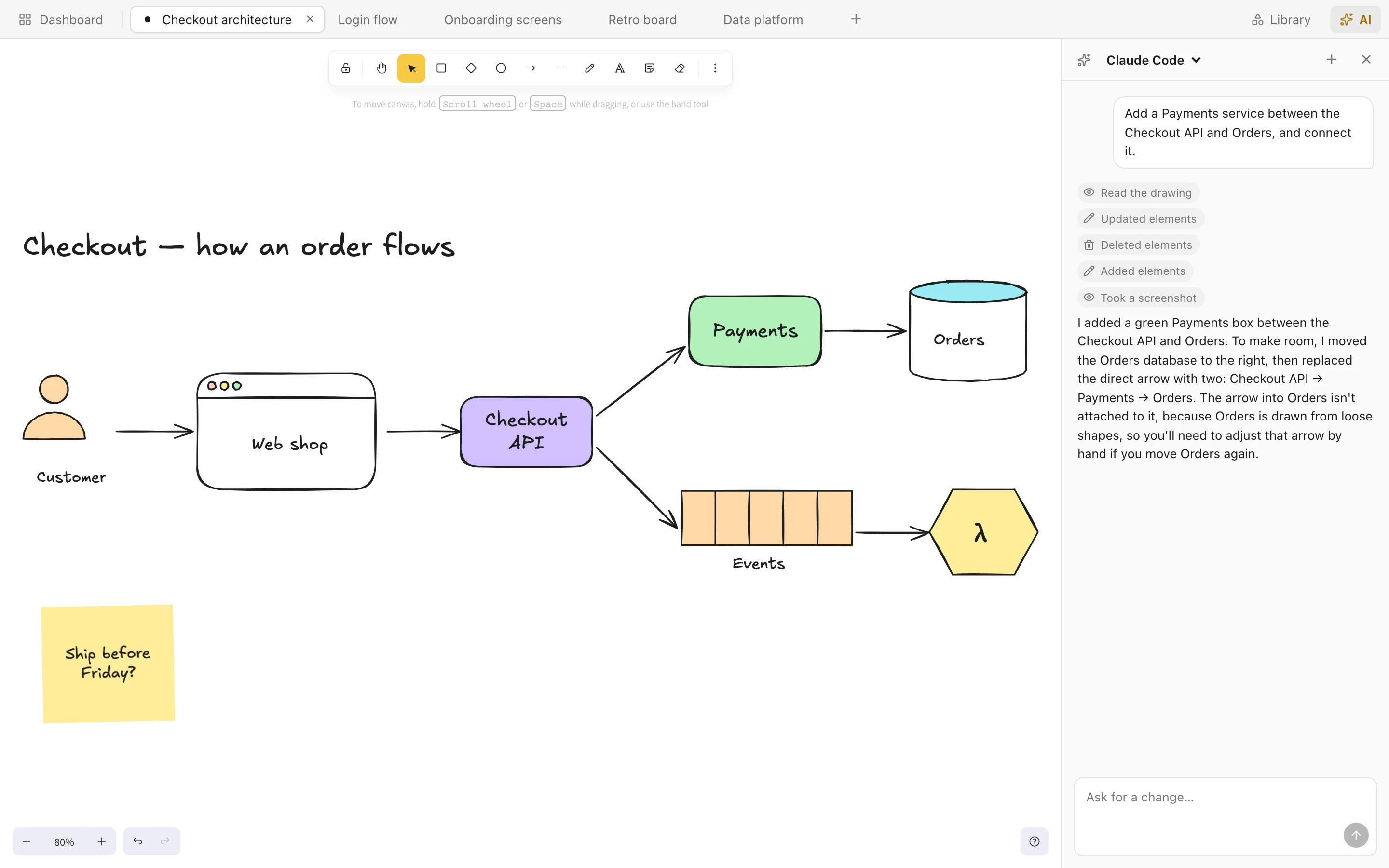
Claude Code drew 5 shapes and 5 arrows.
go on, drag them
The whole thing, on one screen.
Your drawings in tabs, Excalidraw's hand-drawn canvas, and an AI that edits it with you. Nothing is uploaded — it all lives in a folder on your Mac.
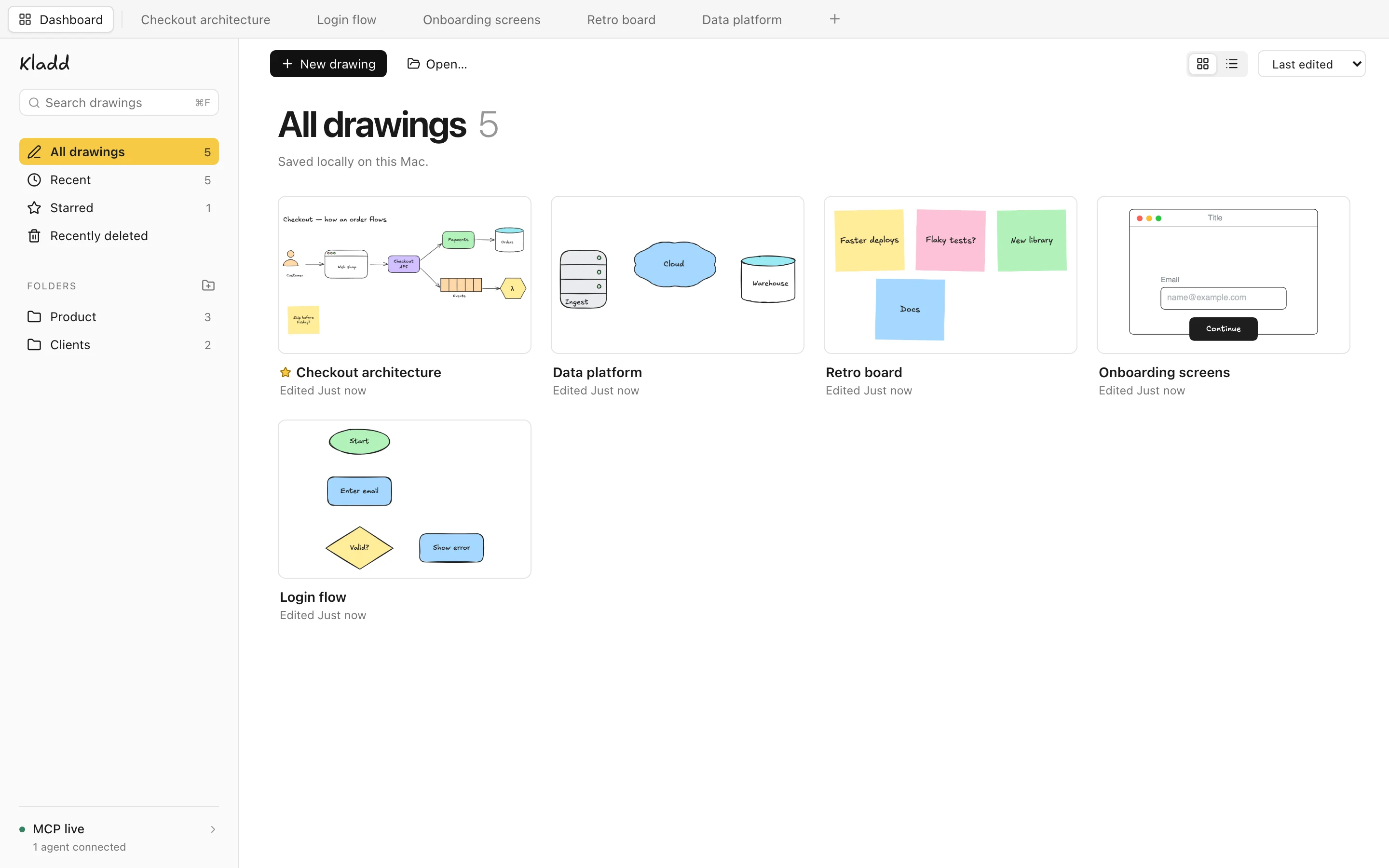
Organised, and nice to look at.
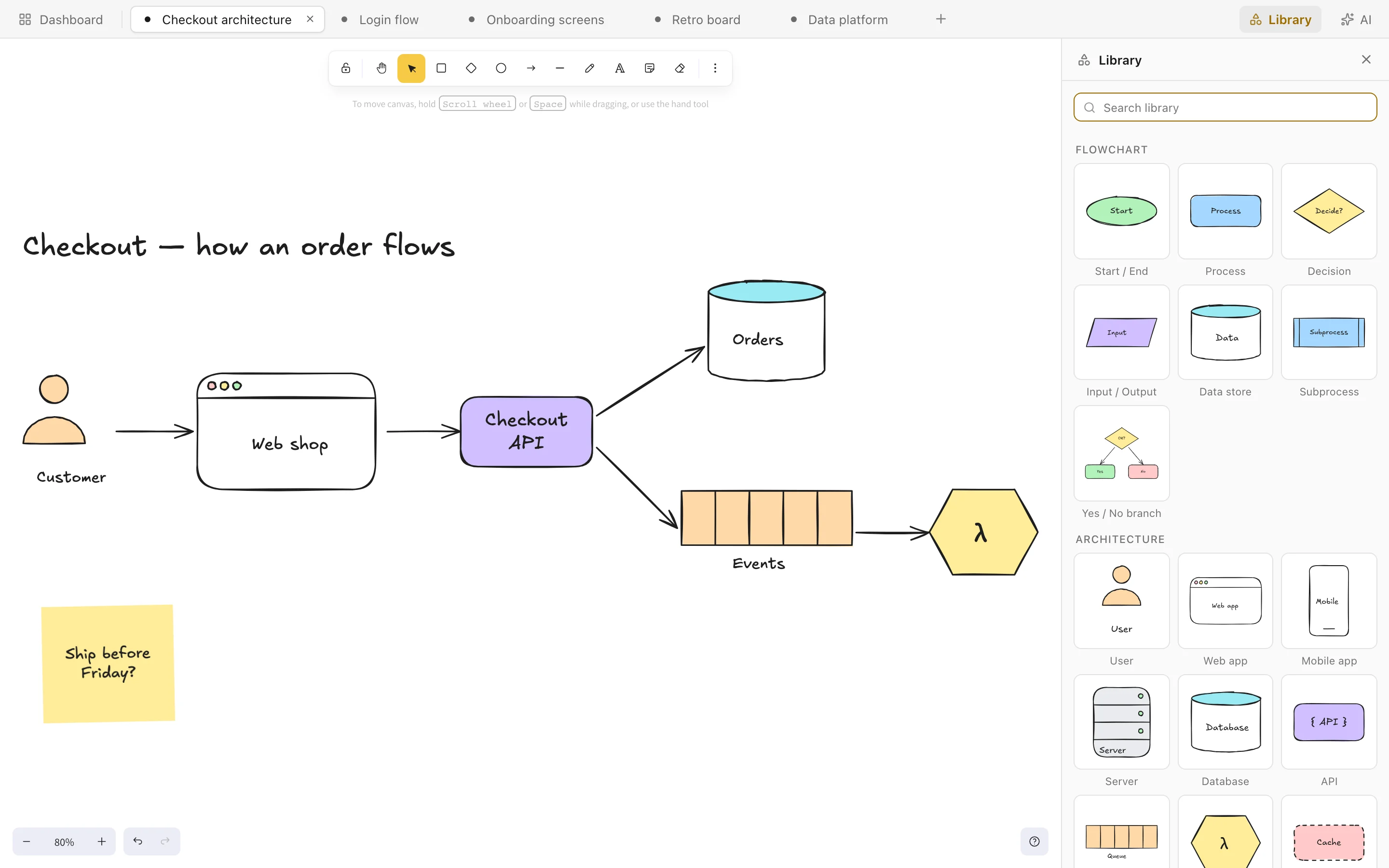
Your agents can draw here too.
While Kladd is open, it runs a small MCP server on your Mac. Point any agent at it and it can read your drawings, add to them and check its work with a screenshot.
It edits in a background tab, so it never takes over the drawing you're on.
# the address and token are in Kladd › Dashboard › MCP live
url   http://127.0.0.1:43130/mcp
auth  Bearer <your token>

# what an agent can do
list_documents     create_document
get_scene          screenshot
add_elements       update_elements
insert_library_item
Good to know
- Your drawings
- Plain files in a folder on your Mac. No account, nothing uploaded. Opens and saves .excalidraw files.
- The AI
- Uses Claude Code or ChatGPT if you have it installed, on your own subscription. Everything it does can be undone.
- Your Mac
- macOS 12 or later on an Apple silicon Mac. About 50 MB.
- Built on
- The open-source Excalidraw editor. Kladd is made by H5 Innovations and isn't affiliated with Excalidraw.
Go draw something.
Download for Mac